Requirements
For the setup you will need :
-
REST API link to your Priority system
-
Set up forms in Priority to access them through REST API
-
Username and Password
Import setup
-
Go to your account's Source Data section
-
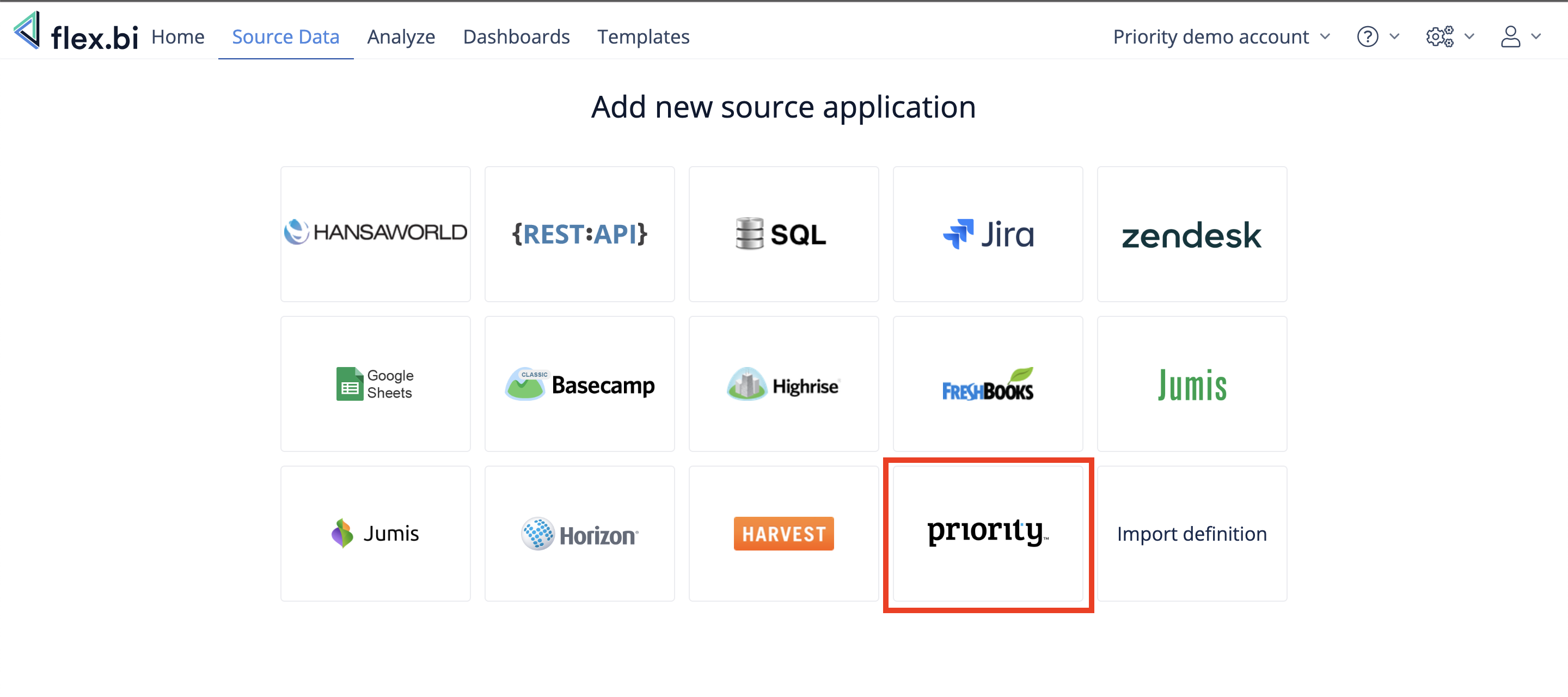
Add new source application
-
Select "Horizon" source application
-
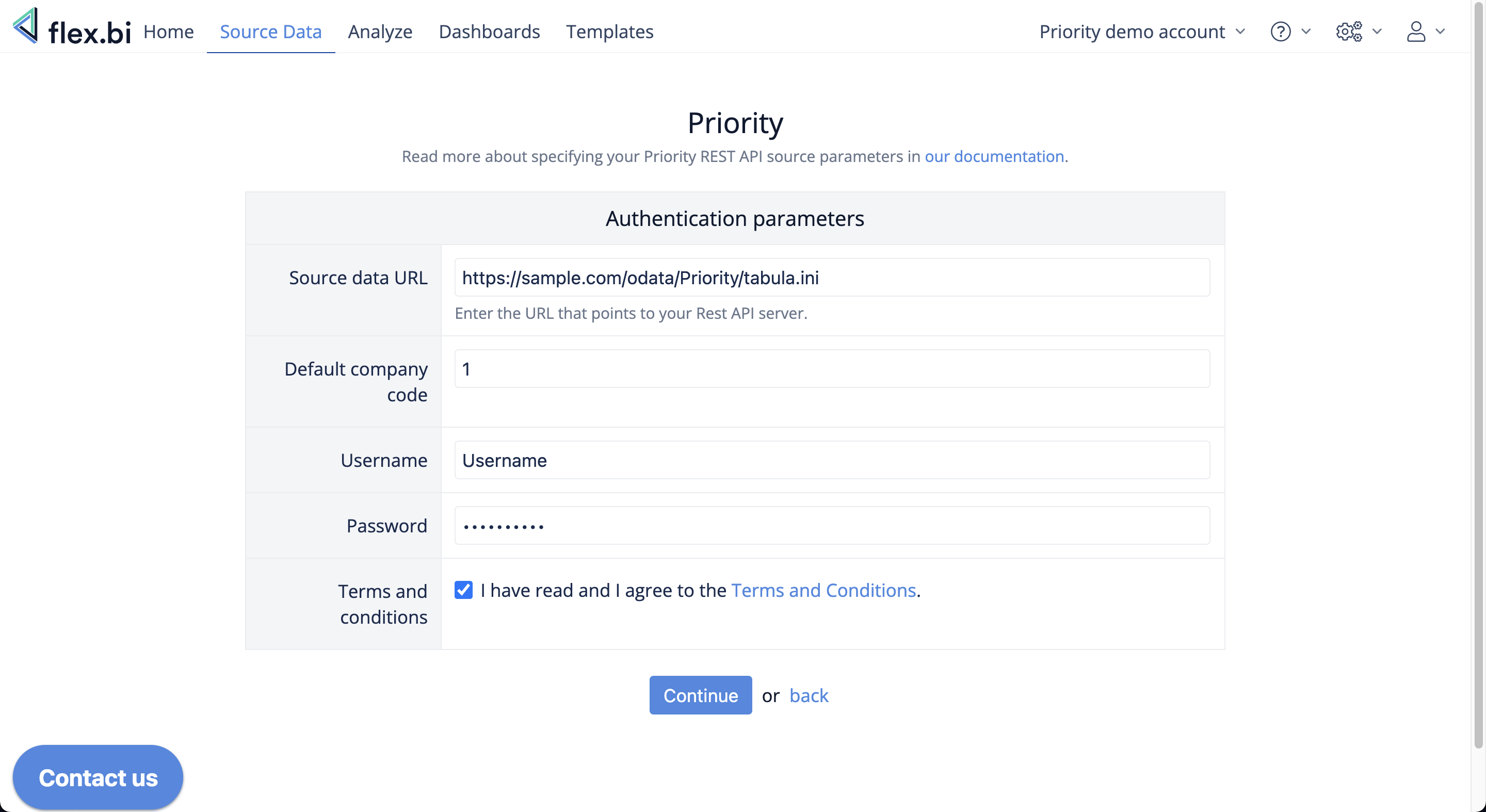
Fill the Authentication parameters and press “Continue”
-
Select your import options and press "Import"
-
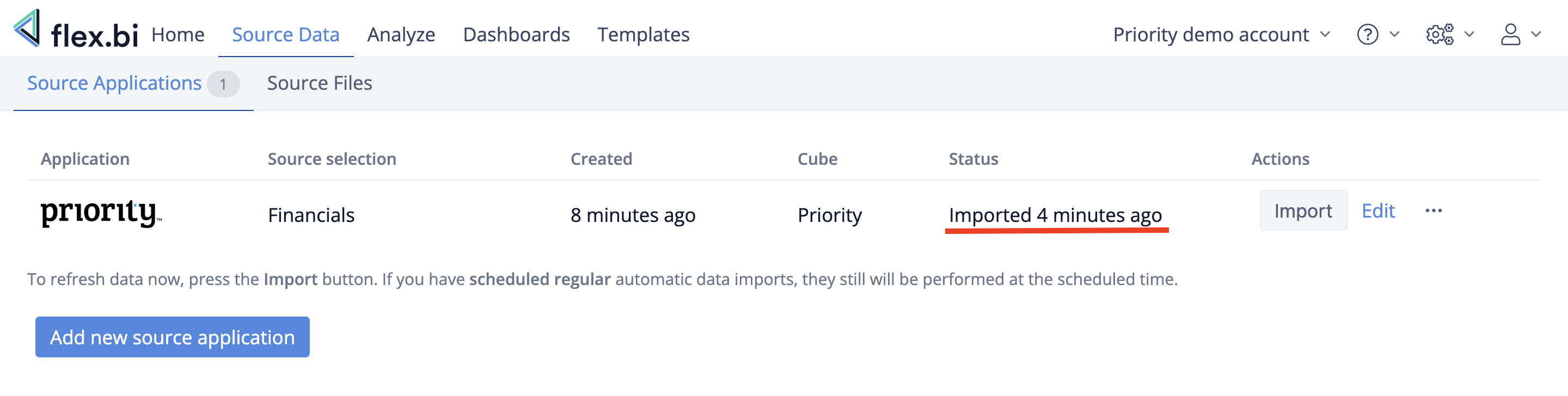
Check "Status" section to see when import has finished