
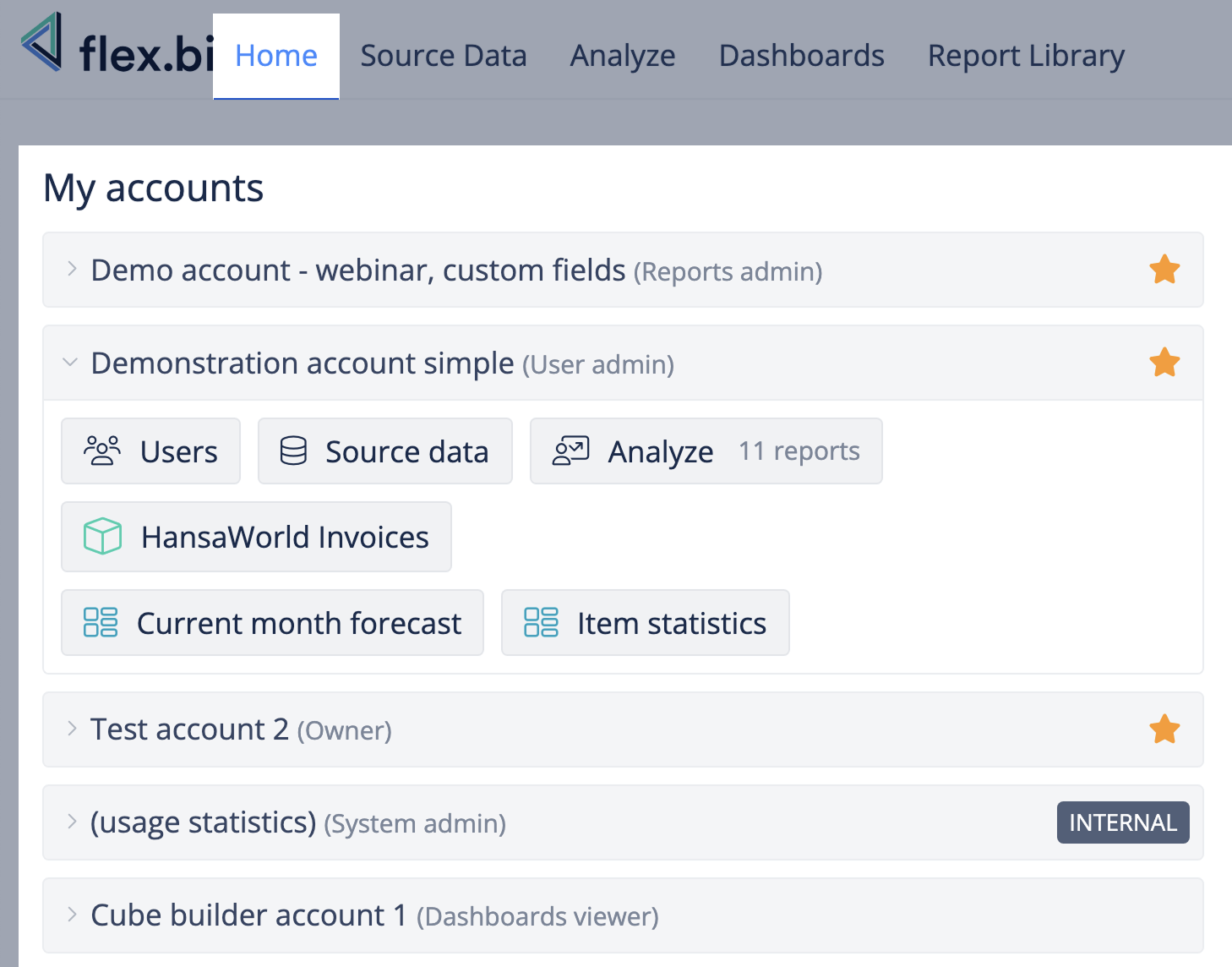
The first screen you see in flex.bi is the Home screen. It shows a list of accounts you can access and the list of most recent activities in flex.bi.
Under My accounts is a list of flex.bi accounts you can access and your user role for this account. From there, you can navigate to the particular dashboard or Analyse tab to find or create new reports or other sections depending on your user role in that account. Go to All my accounts page to see additional information about your accounts - who is the Owner, and when data was last imported.
It is possible to star your favorite flex.bi accounts to always see them at the top of the list.
When starred, refresh the page to see starred accounts prioritized in the list.
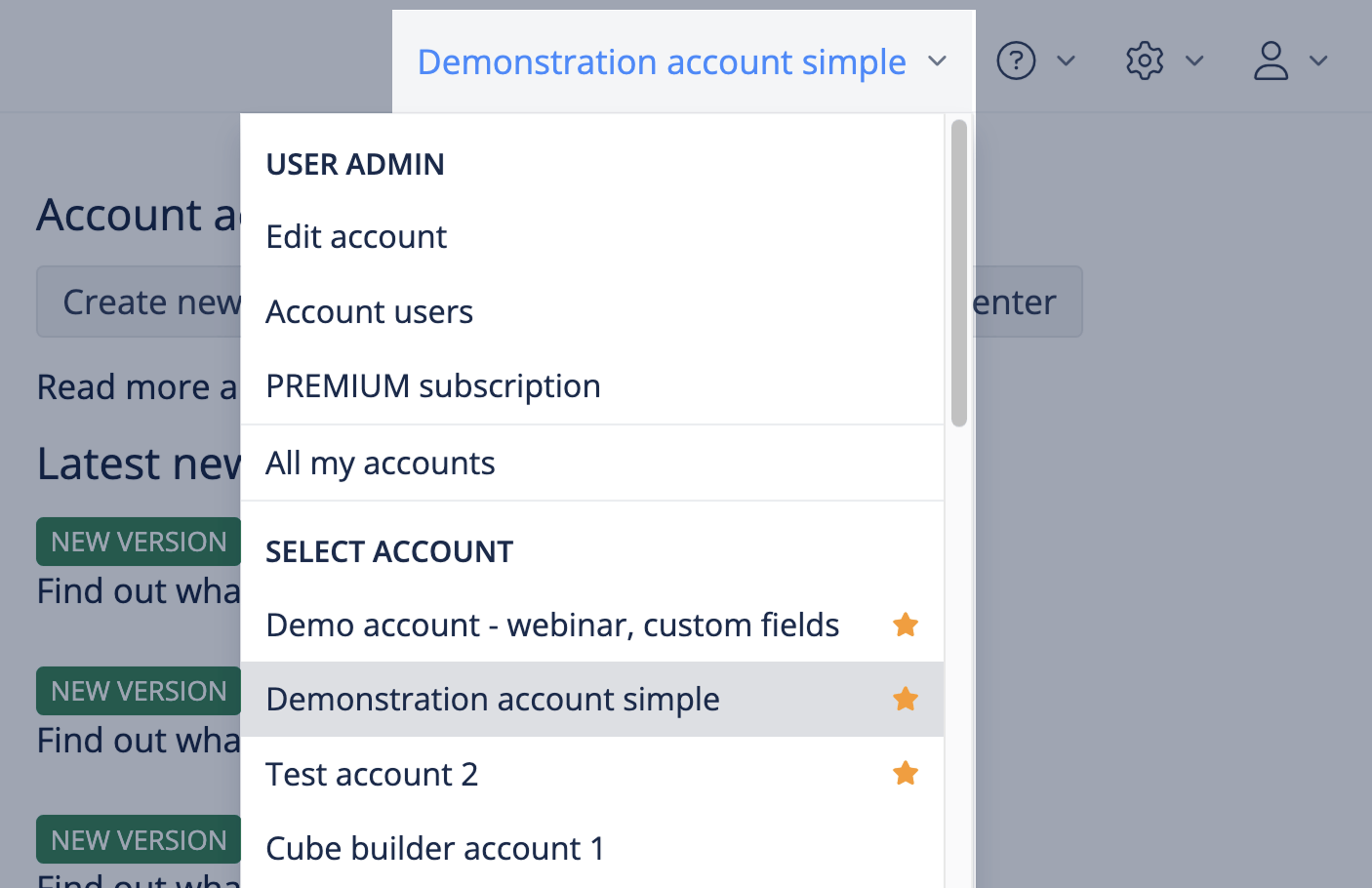
You can also switch between your flex.bi accounts from the menu at the top right corner.
The Latest news on the Home screen shows information published by the flex.bi team about the latest features, events, blog posts, and more.
The Latest report and dashboard updates show up to 10 latest updates in the last 30 days for visible reports and dashboards.