
Requirements
To set up the SQL Extended application’s import, login information for an SQL user that has read-only access to the database is needed.
Import setup
-
Go to your account's Source Data section
-
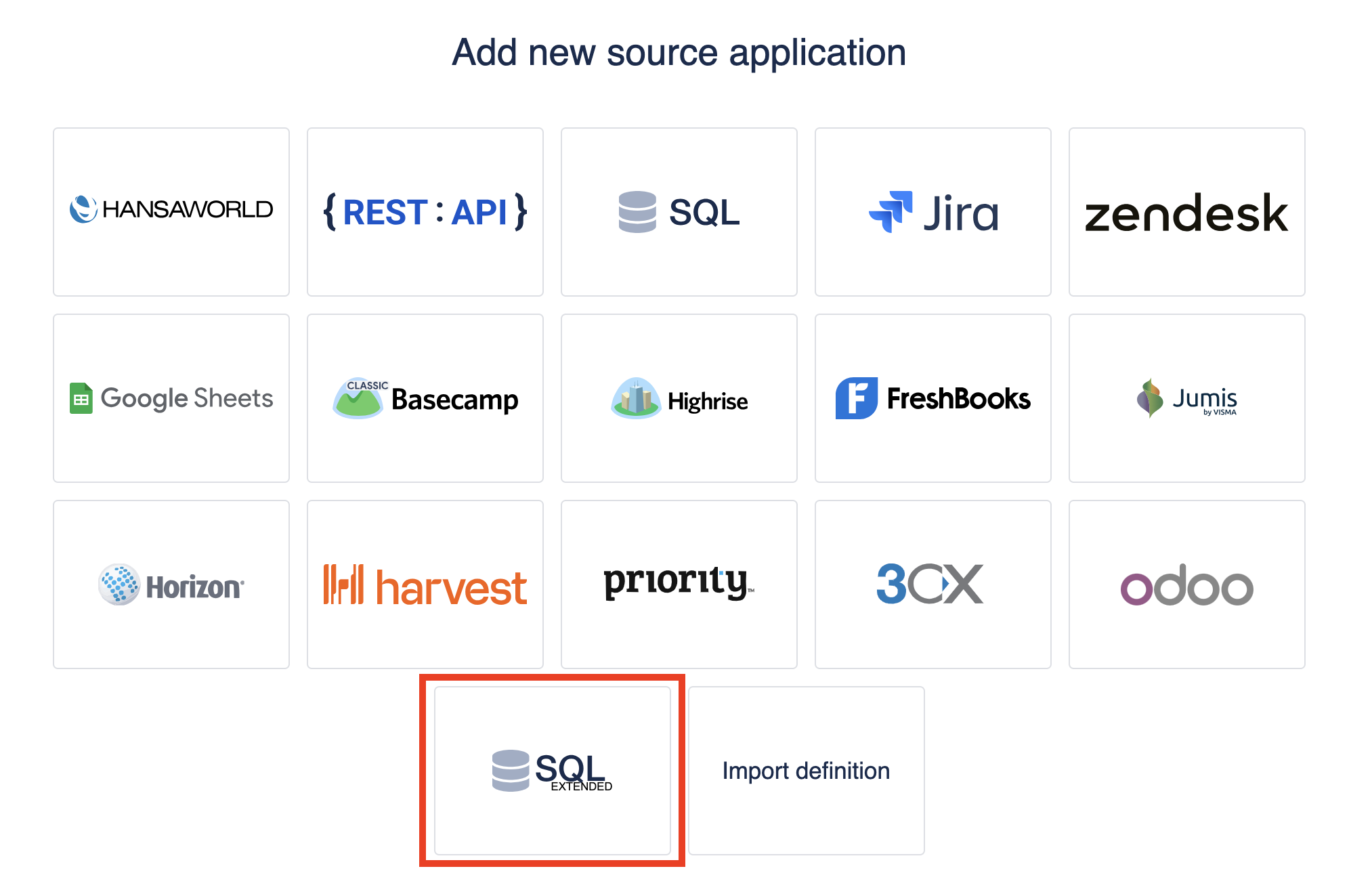
Add new source application
-
Select SQL Extended source application
-
Fill out the Database connection parameters
-
Add custom fields and select import options
-
Press "Import"